Table of Contents
- What is IPTV?
- How IPTV Works
- Types of IPTV Services
- Benefits of IPTV Over Traditional TV
- How to Get Started with IPTV
- IPTV Setup Guide
- Legal Considerations & Safety
- Frequently Asked Questions
- Conclusion
What is IPTV?
IPTV stands for Internet Protocol Television. Unlike traditional cable or satellite TV that broadcasts signals through radio waves or coaxial cables, IPTV delivers television content over your internet connection. In simple terms, it’s TV that uses the same technology that powers your emails and web browsing.
With IPTV, you can stream live channels, on-demand movies, and even record shows directly to your device. Services like IPTV Free Trial offer over 9,000 live channels from around the world, making it a powerful alternative to expensive cable packages.
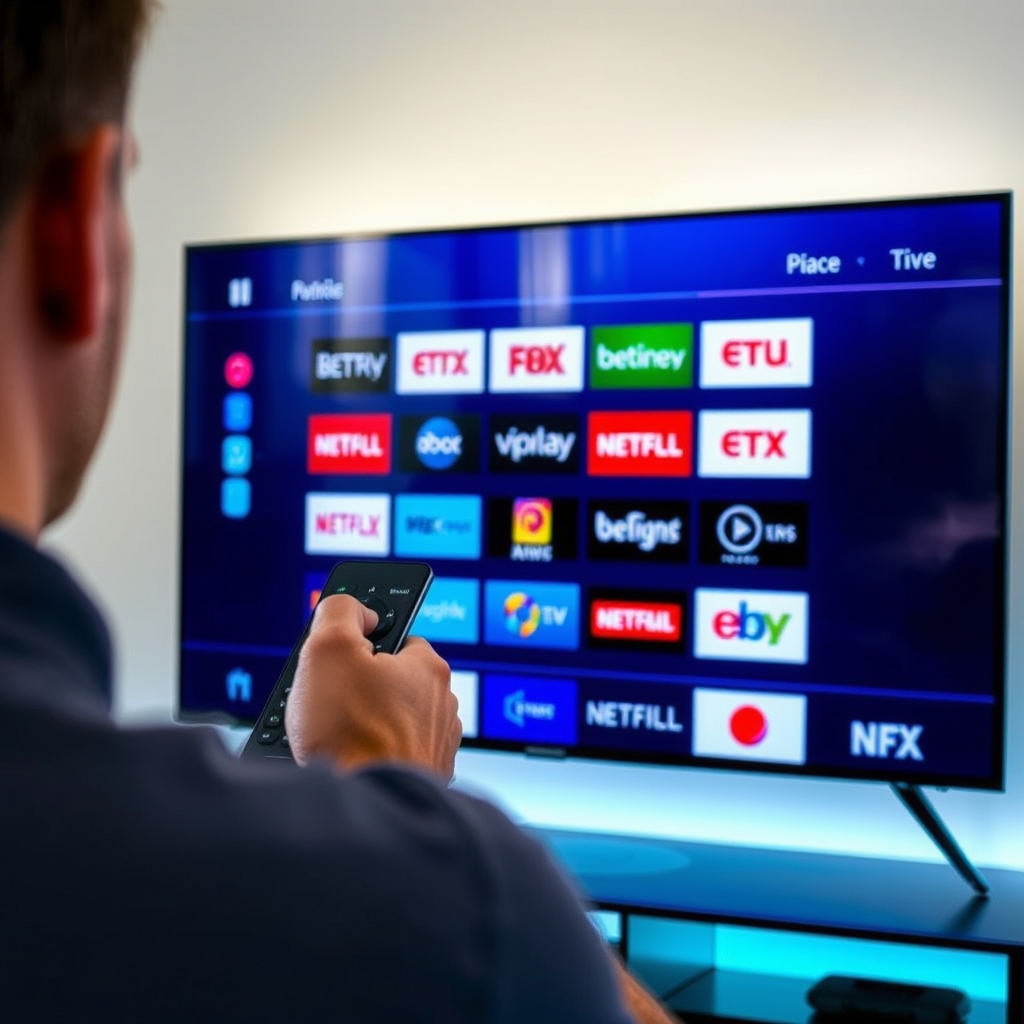
How IPTV Works
IPTV works by converting video signals into data packets and sending them over your broadband internet. Here’s a simplified breakdown:
- Content Source: Live TV or video-on-demand (VOD) is captured and encoded into digital format.
- Distribution: The encoded content is sent to an IPTV server, which streams it to users.
- Your Device: A set-top box, smart TV, phone, or computer receives the stream and decodes it for viewing.
This process is similar to how you watch Netflix or YouTube, but optimized for live television. With a stable internet connection of at least 10 Mbps, you can enjoy buffer-free streaming.
Types of IPTV Services
There are three main types of IPTV services:
- Live IPTV: Real-time streaming of TV channels as they air (e.g., news, sports, entertainment).
- Time-Shifted IPTV: Allows you to watch previously aired programs (like catch-up TV).
- Video on Demand (VOD): Access to a library of movies and shows you can watch anytime.
Most premium IPTV providers, including our free trial service, combine all three types for a complete experience.
Benefits of IPTV Over Traditional TV
Why switch to IPTV? Here are the key advantages:
- Cost-Effective: IPTV subscriptions are often 50-80% cheaper than cable or satellite.
- Vast Channel Selection: Access thousands of channels from multiple countries, including niche sports, international news, and premium movies.
- Multi-Device Support: Watch on your TV, phone, tablet, laptop, or even gaming console.
- On-Demand Content: Pause, rewind, or start over live TV, plus enjoy a huge VOD library.
- No Contracts: Many IPTV services offer monthly plans or free trials with no long-term commitment.
For example, with IPTV Free Trial, you get a 48-hour free test to explore 9,000+ channels before subscribing.
How to Get Started with IPTV
Getting started is easier than you think. Follow these simple steps:
- Check Your Internet Speed: Ensure you have at least 10 Mbps for HD streaming, 25 Mbps for 4K.
- Choose a Reliable IPTV Provider: Look for one with good reviews, a free trial, and a wide channel list. Try our free 48-hour trial to test the service risk-free.
- Select Your Device: IPTV works on smart TVs, Android boxes, Firestick, iOS/Android devices, PCs, and more.
- Install an IPTV Player App: Popular options include TiviMate, IPTV Smarters, and VLC Media Player.
- Enter Your Credentials: Your provider will give you a URL, username, and password (or an M3U playlist) to load into the app.
- Start Watching: Browse the channel list and enjoy live TV instantly.
For detailed setup instructions, check our FAQ page.
IPTV Setup Guide
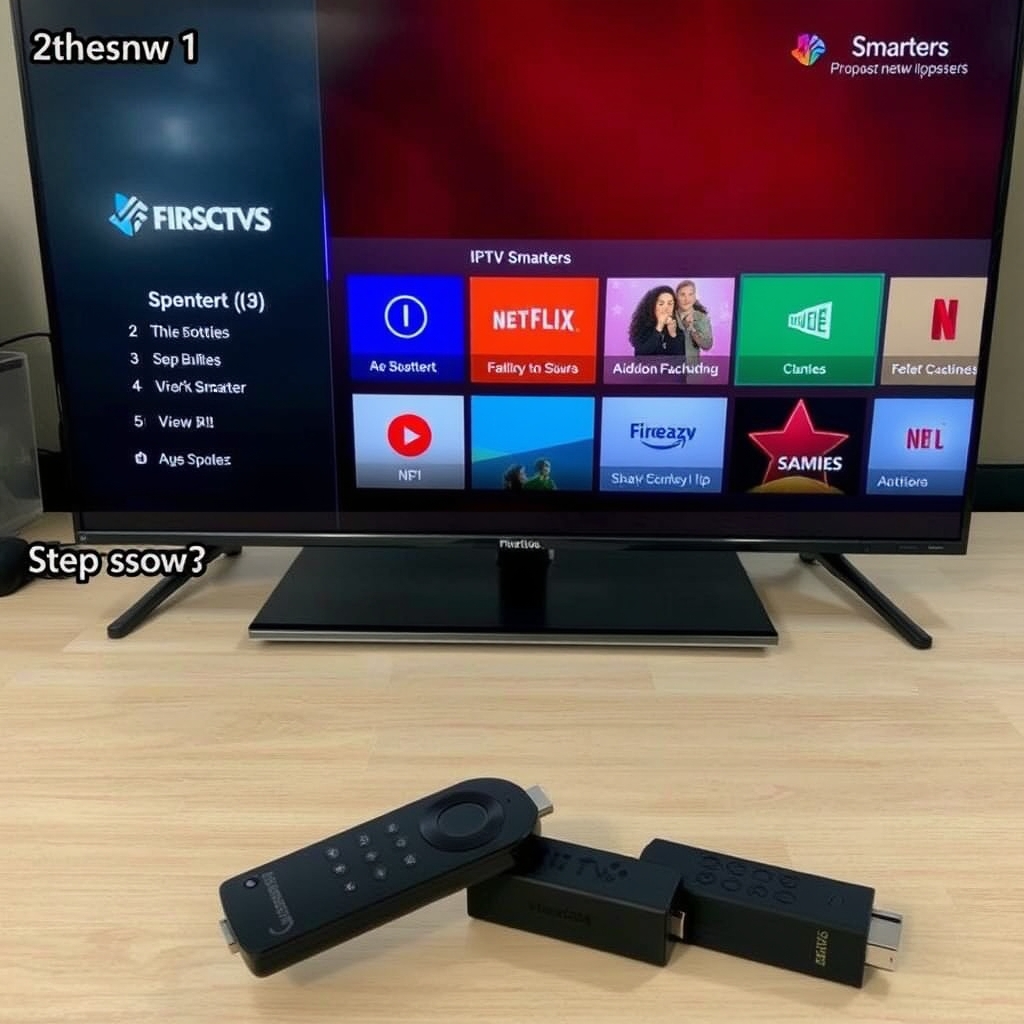
On Amazon Firestick
- Go to Settings > My Fire TV > Developer Options > Apps from Unknown Sources (turn ON).
- Install the Downloader app from the Amazon App Store.
- Download your IPTV player (e.g., IPTV Smarters) using the Downloader app.
- Open the player, enter your provider’s playlist URL, and start streaming.
On Android TV
- Open Google Play Store and install an IPTV player (like TiviMate).
- Launch the app and add your playlist URL or Xtream codes.
- Enjoy live channels.
On Smart TV (Samsung/LG)
You’ll need to install an IPTV app from the TV’s app store. Some models may require sideloading. Check your TV’s manual or our more guides for specific steps.
Legal Considerations & Safety
IPTV itself is legal—many legitimate services like Hulu + Live TV and Sling TV use IPTV technology. However, some providers offer unauthorized access to copyrighted content. To stay safe:
- Choose a reputable provider with transparent terms and licensing.
- Use a VPN to protect your privacy and bypass ISP throttling.
- Avoid services that are suspiciously cheap or don’t offer a free trial.
For a legal and reliable experience, try IPTV Free Trial—our service operates with proper content rights.
Learn more about IPTV legality from the FCC’s official guide.
Frequently Asked Questions
Do I need a VPN for IPTV?
While not mandatory, a VPN can help protect your privacy and prevent your ISP from slowing down your connection during streaming.
Can I watch IPTV on multiple devices?
Yes, most providers allow simultaneous streams on 2-5 devices. Our free trial supports 2 devices.
Is IPTV better than cable?
For most users, yes—IPTV offers more channels, lower cost, and greater flexibility.
Conclusion
Now you know what is IPTV and how to get started. It’s a cost-effective, feature-rich alternative to traditional TV that puts thousands of channels in your pocket. Whether you’re a sports fan, movie buff, or news junkie, IPTV has something for everyone.
Ready to cut the cord? Start your free 48-hour IPTV trial today and explore over 9,000 live channels with zero commitment. Experience the future of television—no cable box required.
Ready to Try IPTV for Free?
Get 48 hours of free access to 9,000+ channels. No credit card required.
Get Your Free IPTV TrialRelated Articles
Ultimate IPTV Subscription Guide: 5 Key Steps to Choose the Best Service in 2025
Looking for the best IPTV subscription? This comprehensive guide covers everythi...
Request IPTV Trial Account: The Ultimate 2024 Guide to Free 48-Hour Testing
This complete guide shows you exactly how to request an IPTV trial account to te...
How to Get IPTV Free Trial: The Ultimate 2024 Guide to 48-Hour Testing
This comprehensive guide shows you exactly how to get an IPTV free trial in 2024...