Table of Contents
What is an IPTV Box?
An IPTV box is a dedicated streaming device that connects to your television and internet to deliver Internet Protocol Television (IPTV) content. Unlike traditional cable boxes, these devices use your broadband connection to stream live TV, video-on-demand, and catch-up services directly to your screen. The best IPTV boxes combine powerful hardware with user-friendly software to provide seamless access to thousands of channels, including the 9,000+ live channels available with our free trial here.
These devices typically run on operating systems like Android TV, offering access to app stores where you can install your preferred IPTV player. The right box ensures stable streaming, minimal buffering, and compatibility with high-definition and 4K content. When paired with a reliable IPTV service, a quality box becomes the centerpiece of your home entertainment system.
Key Features to Consider
Before selecting one of the best IPTV boxes, consider these essential features that impact performance and user experience.
Processing Power and RAM
A fast processor (CPU) and sufficient RAM ensure smooth navigation and playback. Look for at least a quad-core processor and 2GB of RAM for basic streaming, but 4GB or more is ideal for 4K content and multitasking.
Storage Capacity
Internal storage (8GB minimum, 32GB+ recommended) allows you to install apps and store temporary data. Some boxes support expandable storage via microSD cards or USB drives.
Video and Audio Support
Ensure the box supports the resolutions you need: 1080p Full HD is standard, but 4K Ultra HD and HDR (High Dynamic Range) provide superior picture quality. For audio, look for Dolby Digital or DTS support.
Connectivity Options
Ethernet ports provide the most stable connection for IPTV streaming, while dual-band Wi-Fi offers wireless flexibility. Multiple USB ports, HDMI output, and Bluetooth are valuable additions.
Operating System and App Compatibility
Most best IPTV boxes run Android TV or a customized Android version, allowing installation of popular IPTV players like TiviMate, IPTV Smarters, or our proprietary app. Regular software updates are crucial for security and performance.
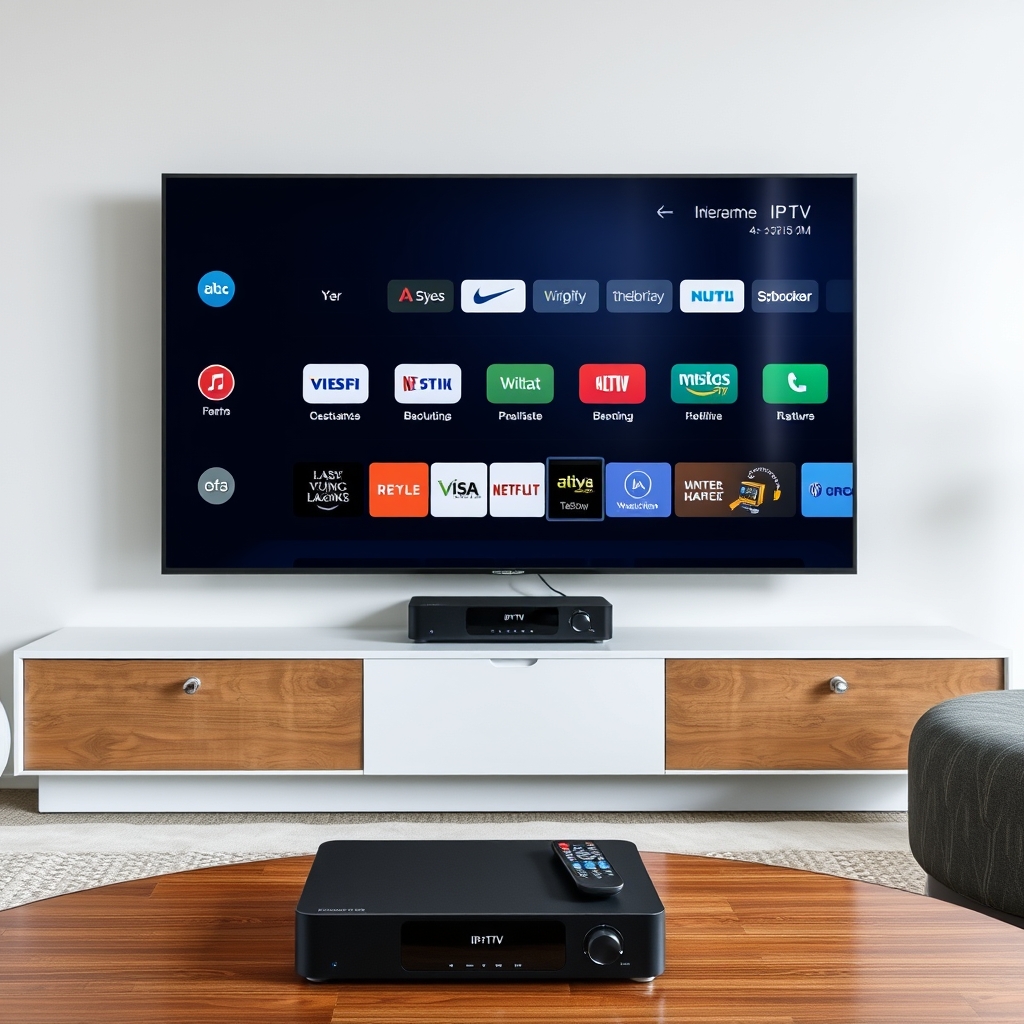
Top 7 Best IPTV Boxes 2024
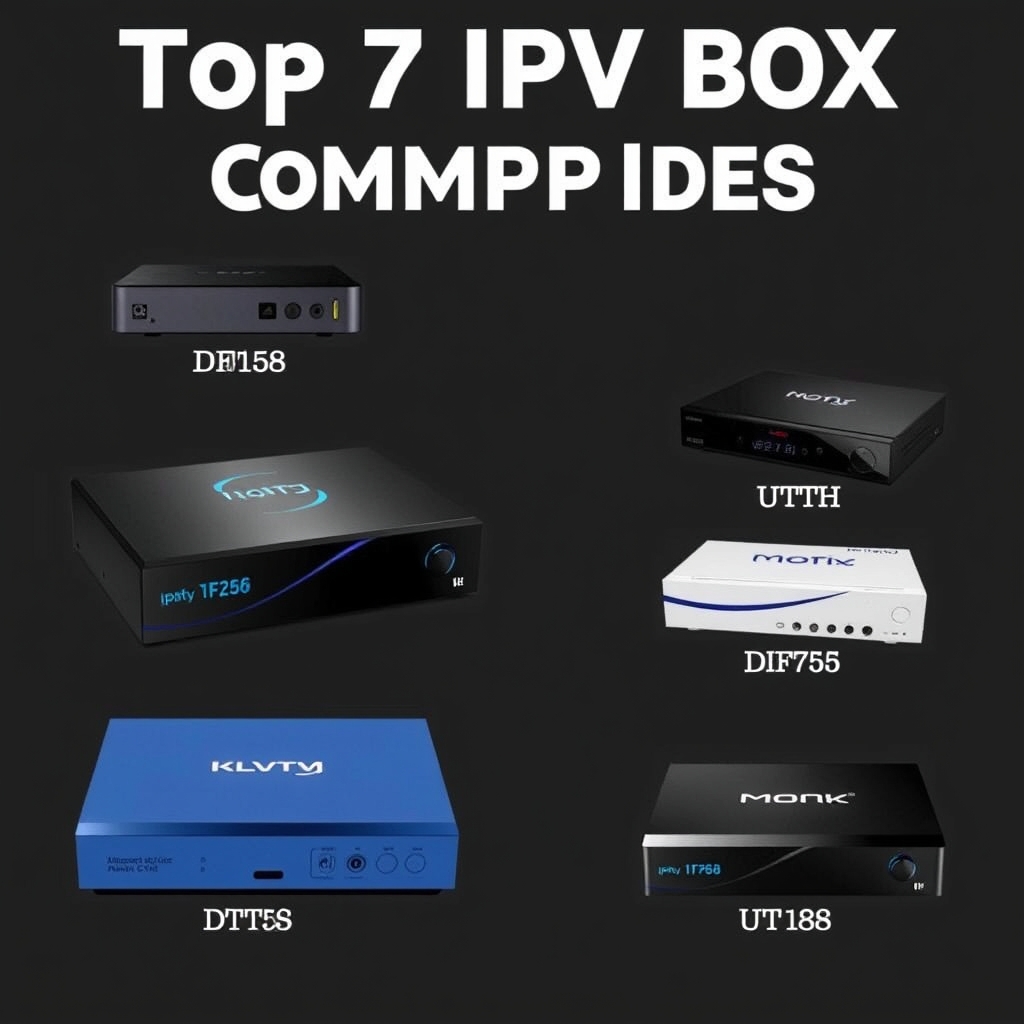
After extensive testing and research, here are our picks for the best IPTV boxes currently available, balancing performance, features, and value.
1. Nvidia Shield TV Pro
Widely regarded as the most powerful streaming device available, the Shield TV Pro features a Tegra X1+ processor, 3GB RAM, and 16GB storage. It supports 4K HDR, Dolby Vision, and AI upscaling that enhances lower-resolution content. Its pure Android TV experience and regular updates make it future-proof. While premium-priced, it delivers unparalleled performance for demanding IPTV users.
2. Formuler Z11 Pro Max
Specifically designed for IPTV, the Formuler Z11 Pro Max runs on Android TV 11 and features the proprietary MYTV Online 3 interface. With an octa-core processor, 4GB RAM, and 32GB storage, it handles multiple streams effortlessly. Its dedicated IPTV optimization and customizable electronic program guide (EPG) make it a favorite among serious IPTV enthusiasts.
3. Amazon Fire TV Cube (3rd Gen)
Combining streaming capabilities with Alexa voice control, the Fire TV Cube offers hexa-core processing, 2GB RAM, and 16GB storage. It supports 4K Ultra HD, HDR10+, and Dolby Vision. While it runs Fire OS (based on Android), you can sideload most IPTV applications. Its hands-free control and integration with smart home devices provide added convenience.
4. BuzzTV XRS4500
Another IPTV-focused device, the BuzzTV XRS4500 features an Amlogic S905X4 processor, 4GB DDR4 RAM, and 32GB storage. It supports AV1 decoding for efficient 4K streaming and includes both 2.4GHz/5GHz Wi-Fi and Gigabit Ethernet. The customized Android 11 interface is optimized for IPTV services like ours with 9,000+ channels.
5. Xiaomi Mi Box S 2nd Gen
Offering excellent value, the Mi Box S provides 4K HDR streaming with Android TV 12, 2GB RAM, and 8GB storage. Its compact design and included voice remote make it user-friendly. While less powerful than premium options, it reliably handles IPTV streaming at an affordable price point, perfect for budget-conscious users.
6. MAG Box 424
For those preferring a dedicated IPTV set-top box experience, the MAG 424 runs the proprietary Infomir middleware. It features a dual-core processor, 1GB RAM, and 8GB storage with 4K support. While less flexible than Android devices (no app store), it offers plug-and-play simplicity with optimized IPTV performance through its Stalker portal system.
7. Chromecast with Google TV (4K)
This compact dongle transforms any HDMI port into a smart TV interface. With 2GB RAM, 8GB storage, and Google's streamlined interface, it supports 4K HDR and Dolby Vision. While not as powerful as dedicated boxes, its affordability, seamless Google integration, and reliable performance make it a strong contender among the best IPTV boxes for casual users.
How to Set Up Your IPTV Box
Setting up your new IPTV box is straightforward. Follow these steps to start streaming quickly.
- Unbox and Connect: Connect the box to your TV via HDMI cable, plug in the power adapter, and connect to your network via Ethernet or Wi-Fi.
- Initial Configuration: Follow the on-screen setup to select language, connect to your Wi-Fi network, and sign in to relevant accounts (Google for Android devices).
- Install IPTV Player: Access the app store (Google Play Store on Android TV) and search for your preferred IPTV player. Popular options include TiviMate, IPTV Smarters, or our dedicated application.
- Configure Your Service: Open the IPTV player and enter your subscription details. If you're testing services, you can use our free 48-hour trial here to evaluate compatibility with your new box.
- Optimize Settings: Adjust video output resolution to match your TV's capabilities, configure audio settings, and organize your channel lists for easy navigation.
Most modern IPTV boxes complete this process in under 15 minutes. For device-specific guidance, consult our FAQ section or the manufacturer's documentation.
Optimizing Your IPTV Experience
Beyond selecting one of the best IPTV boxes, these tips ensure optimal streaming performance with your IPTV service.
Network Optimization
A stable internet connection is crucial. For 4K streaming, the Federal Communications Commission recommends at least 25 Mbps, though 50+ Mbps provides headroom for multiple devices. Use Ethernet whenever possible for reduced latency. If using Wi-Fi, position your router close to your streaming device and consider a mesh network for larger homes.
Regular Maintenance
Clear cache periodically from your IPTV application to prevent slowdowns. Update your box's firmware and IPTV app when new versions become available. Restart your device weekly to refresh memory and connections.
Using VPN for Privacy and Access
While not always necessary, a VPN can enhance privacy and potentially bypass geographic restrictions. Choose a VPN with high speeds and reliable connections to minimize impact on streaming quality. Many best IPTV boxes support VPN applications directly.
External Storage for Recording
Some IPTV boxes and applications support time-shifted viewing and recording. Connect an external USB drive formatted to your device's specifications to enable these features, transforming your IPTV box into a full-fledged DVR.
Conclusion
Choosing among the best IPTV boxes depends on your specific needs, budget, and technical preferences. Power users will appreciate the Nvidia Shield TV Pro or Formuler Z11 Pro Max for their exceptional performance and IPTV-specific features. Value-conscious streamers might prefer the Xiaomi Mi Box S or Chromecast with Google TV. Regardless of your choice, pairing a quality device with a reliable IPTV service like ours—offering 9,000+ live channels—creates a comprehensive entertainment solution that surpasses traditional cable.
Remember that hardware is only part of the equation. The IPTV service itself determines channel selection, reliability, and streaming quality. We encourage you to start your free 48-hour trial to experience our service on your new device. Test different IPTV players, explore our extensive channel lineup, and discover how the right combination of hardware and service transforms your viewing experience. For more guidance on IPTV setups and troubleshooting, explore our more guides in the blog section.
According to a Nielsen report on streaming adoption, connected TV devices continue to grow in popularity as consumers seek flexible, cost-effective entertainment options. Investing in one of the best IPTV boxes positions you at the forefront of this viewing revolution.
Ready to Try IPTV for Free?
Get 48 hours of free access to 9,000+ channels. No credit card required.
Get Your Free IPTV TrialRelated Articles
Ultimate IPTV Subscription Guide: 5 Key Steps to Choose the Best Service in 2025
Looking for the best IPTV subscription? This comprehensive guide covers everythi...
What is IPTV & How to Get Started: The Ultimate Guide (2025)
Discover what IPTV is and how to start streaming 9000+ live channels instantly....
Request IPTV Trial Account: The Ultimate 2024 Guide to Free 48-Hour Testing
This complete guide shows you exactly how to request an IPTV trial account to te...